
Whirlpool
Story
You, Ka’veh, Gung’min, and your team continue your journey towards the transport hub. It is in the ocean, far from the shore. The mage puts their hand in the water and recoils.
Mage: The water is freezing! There’s no way I’m swimming in that!
Gung’min: Hah! Fear not Mage! We just need some wind at our backs!
Gung’min points to a small watercraft with a sail nearby.
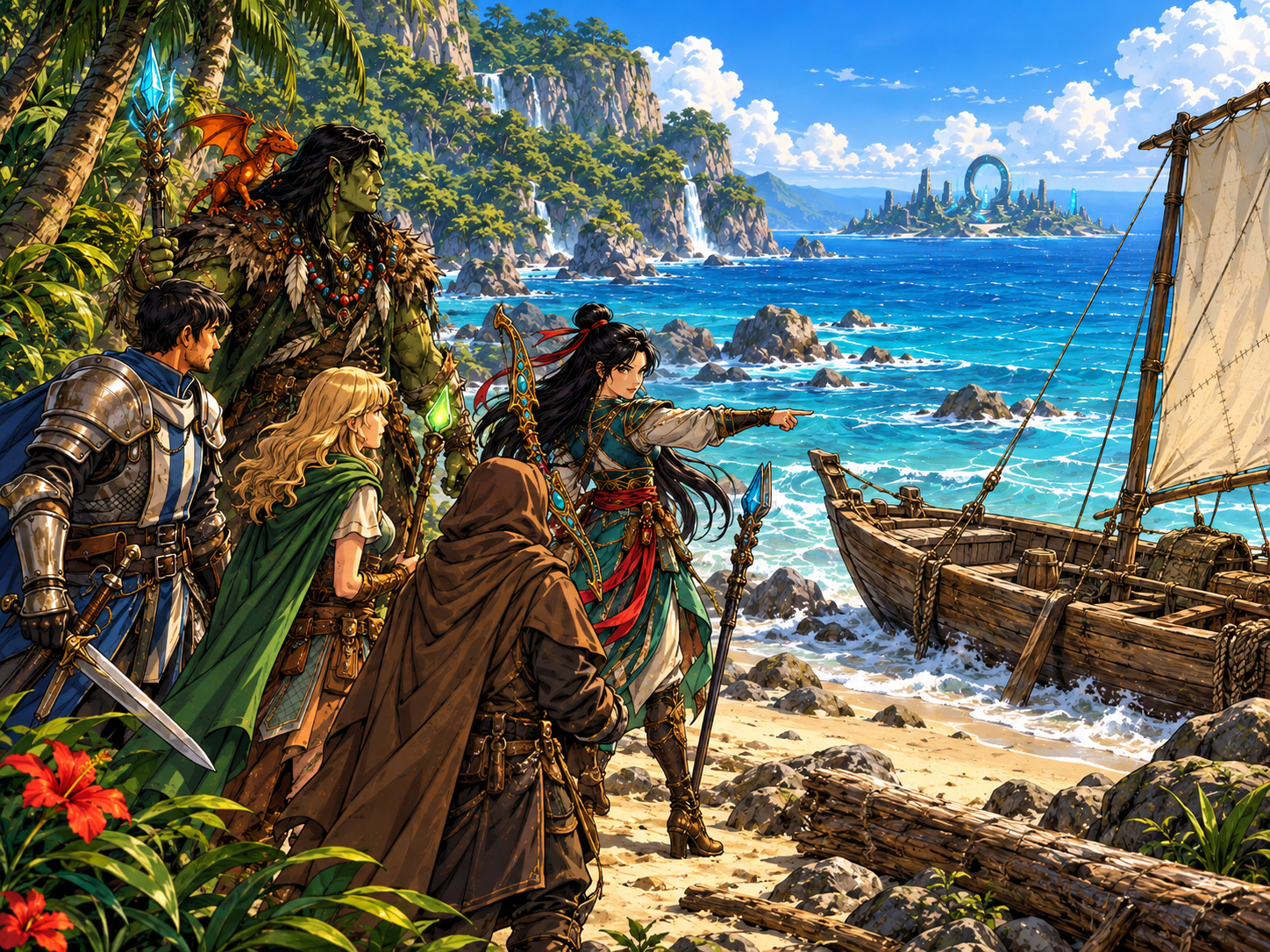
You all climb aboard, but the craft does not move much.
Healer: It appears that the wind is not at our backs.
Warrior: Does this thing have some oars? I can use them to get us there.
Gung’min: No oars Warrior, but we do have a Kav’eh.
Ka’veh smiles. His eyes begin to glow as he waves his hands in a circular motion. Then, you feel it…a breeze at first, then wind! The craft begins to move toward the transport hub.
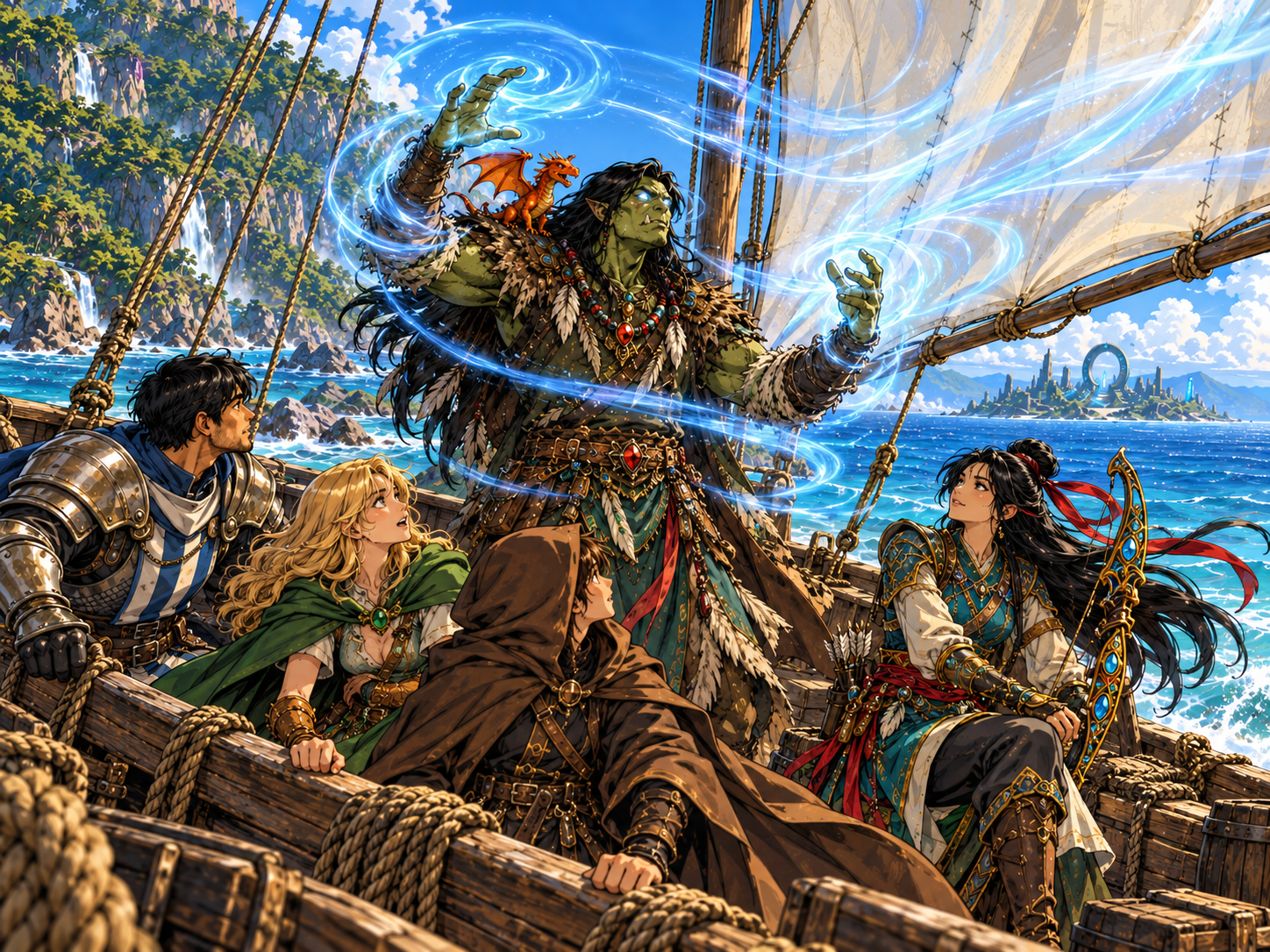
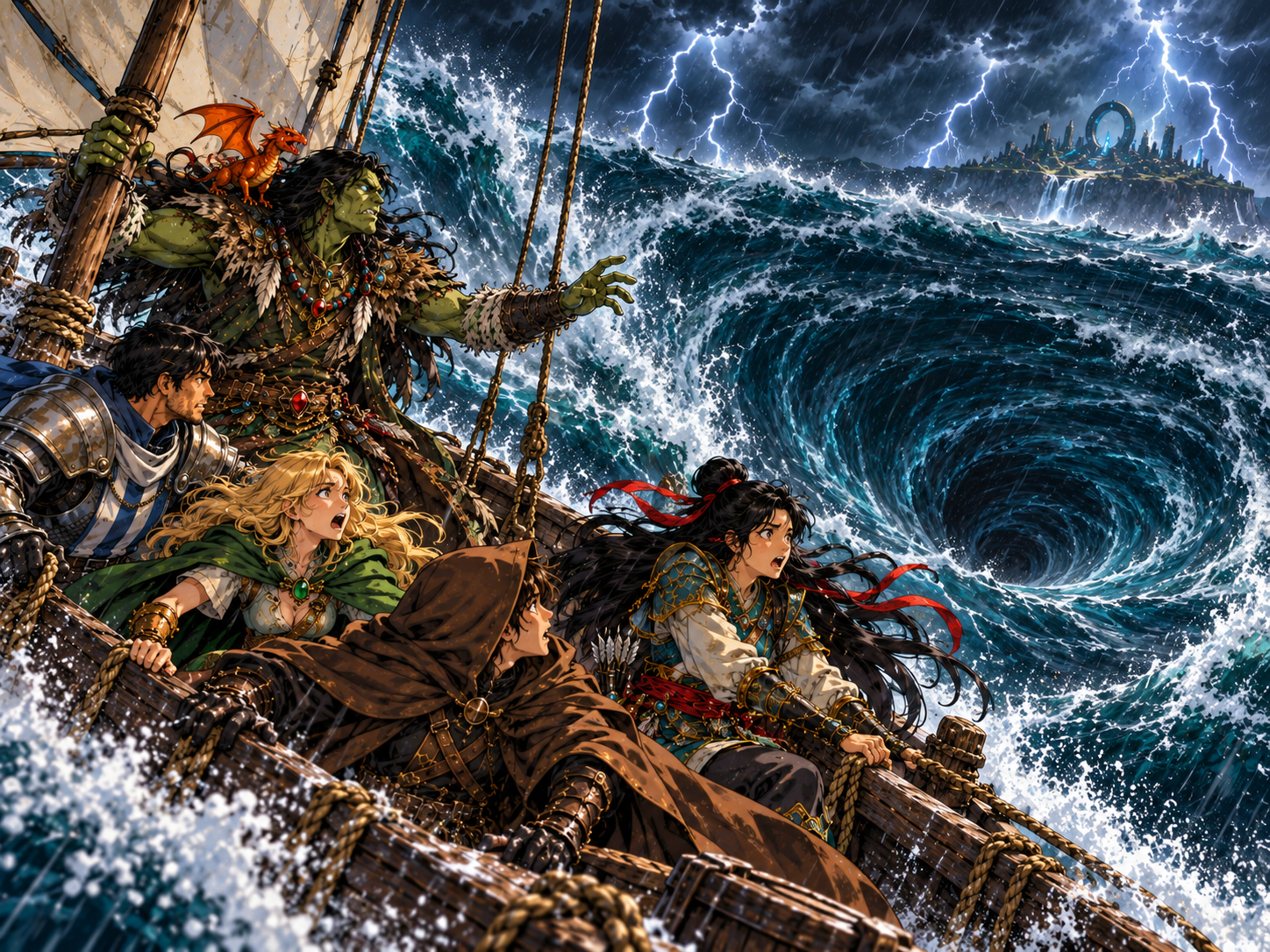
While en route, the weather darkens, and clouds cover the sky. Powerful bolts of lighting and thunder surround you. Everyone looks at Ka’veh
Ka’veh: This is not my doing.
Mage: Uh oh. That’s not good…
The craft rocks violently and it’s hard to keep your footing. Then…you see it…a massive whirlpool forms ahead of you and your ship is heading right for it.
Lesson Activity
In this lesson, you’ll learn how to create a dramatic whirlpool effect in Adobe Photoshop and then put your knowledge to the test with a special AI activity!
You’ll be building on Photoshop skills you already know while learning a new tool that gives you even more control over the look of your images.
Part 1: Abstract Design with Filters (the Whilrpool)
Follow along with the video lesson as your teacher shows you how to create your own whirlpool effect in Photoshop.
You’ll use several tools and techniques, including:
- Filters to transform and distort your image
- Levels to adjust light and contrast
- Curves, a new skill that gives you even more control over brightness, shadows, highlights, and contrast
Work through the lesson step by step and follow along in your own Photoshop file. By the end, you’ll have created your own cool whirlpool effect!
Part 2: AI Activity
Once everyone has completed the Photoshop activity, your teacher will guide you through a special AI activity.
You’ll work with an AI tool to test what you learned, review some of the Photoshop concepts from the lesson, and explore other ways AI tools can be used to support learning and creativity.
Follow your teacher’s instructions and be ready to use what you learned in Part 1!
What to Turn In
When you are finished, submit your completed Photoshop (.PSD) file in Microsoft Teams.
Make sure your file is saved correctly and includes your finished whirlpool effect.
Discussion Board: Learn More and Share Your Knowledge
This discussion board is optional but recommended. Participating in discussion boards can help the class gain more XP and level faster. You may answer all or some of these questions in your discussion board post using complete sentences:
- Research one way Photoshop is used professionally beyond basic photo editing. You might look at advertising, movie and TV effects, social media, game design, fashion, photography, web design, or another field. How are tools like filters, effects, Levels, or Curves used in that industry? Share an example of something professionals create with these tools.
- Choose a career or industry that uses Photoshop or graphic design and research what it takes to get started. What skills, education, experience, or portfolio work are usually expected? What is the typical pay range?
- Not every designer works for a company. Research how freelance designers, photographers, digital artists, or other creators can use Photoshop to earn money on their own. Imagine you are starting your own graphic design business, what kinds of services or products would you need to provide? Do some research.
- What do you think about what’s happening in your adventure so far? Do you have any theories about what is happening and what might happen next?
Remember to use good “netiquette.” Use complete sentences and write like you would speak to your teacher and peers during class. Be sure to answer the questions and stay on track. Be polite and courteous. When posting, you must write in complete sentences. When researching answers to your questions, make sure that you cite the sources helping to formulate your opinions and information (put parentheses with the source at the end). Direct quotes should be avoided; the Gamemaster is more interested in what knowledge you gained or your reflections on the content than quotes from a website. Your comment should add to the
Research one way Photoshop is used professionally beyond basic photo editing. You might look at advertising, movie and TV effects, social media, game design, fashion, photography, web design, or another field. How are tools like filters, effects, Levels, or Curves used in that industry? Share an example of something professionals create with these tools.
Choose a career or industry that uses Photoshop or graphic design and research what it takes to get started. What skills, education, experience, or portfolio work are usually expected? What is the typical pay range?
Marketing and advertising use photoshop to make their products look more interesting. You need to be good at selling things and good at editing to use those. They get usually 40k-170k per year.
Not every designer works for a company. Research how freelance designers, photographers, digital artists, or other creators can use Photoshop to earn money on their own. Imagine you are starting your own graphic design business, what kinds of services or products would you need to provide? Do some research.
They can use photoshop to earn money by selling art. They could also get hired by a company to make them interesting ads so more people would but it because they could edit the product to look more interesting. I would just make photoshopped pictures for people. I would need to provide them with the designs I am making.
What do you think about what’s happening in your adventure so far? Do you have any theories about what is happening and what might happen next?
I think we will learn more about photoshop. I do have theories and I think that the next quest will be using AI and photoshop to create something like we did in the minecraft quest.
One Photoshop is used professionally beyond basic photo editing us animating. For example, some shows that use animation use photoshop to create cool effects, whether its for fighting scenes, dramatic effect, or more. Tools like filters are used in animation, to enhance the look of things. The skills you would need for animation is experience in photoshop, being able to either animate or draw, and being patient because it takes a long time. Photographers can earn money on their own by taking pictures of stuff then making it cooler using photoshop. I think that we will go to the transport hub and be teleported to the Goemul after the storm passes.